









Revolutionize Your Business with WeBFooT SOFCODE: The Ultimate Barcode Generator
In the contemporary, fast-paced realm of commerce, effective product management and seamless control over inventory are indispensable facets of success. Allow us to introduce WeBFooT SOFCODE, the ultimate solution for effortless product management through the creation of barcode labels. Let’s delve into the pivotal advantages of WeBFooT SOFCODE and explore how it can revolutionize your business operations.
- Automatic EAN 13/ GS1 generator
- Effortless Product Management
- Universal Printer Support
- Customization Galore^
- Barcode Scanning
- Wide Barcode Support
- Label Flexibility
- Bulk Barcode Creation
- Seamless Integration
- Printer Compatibility
- Custom Label Templates^
- WeBFooT Stock Central with Universal Export and Import
- Conclusion: Ready to Revolutionize Your Business?
- FAQs: All About WeBFooT SOFCODE
Each section will delve into the specific features and benefits of using WeBFooT SOFCODE for your business, providing readers with a comprehensive understanding of this powerful tool.
Automatic EAN 13/ GS1 generator
The Automatic EAN 13/GS1 Generator, which is integrated into WeBFooT SOFCODE, is a revolutionary tool for businesses that deal with extensive product ranges. It automatically generates EAN 13/GS1 barcodes for your products, eliminating the need for manual input.
Furthermore, the Automatic EAN 13/GS1 Generator not only saves time but also enhances accuracy. Manual input can often lead to errors, but with our automatic generator in place, that risk is significantly diminished.
As a result, managing your product inventory becomes as easy as pie with the Automatic EAN 13/GS1 Generator at your fingertips. This is just one of the many ways WeBFooT SOFCODE is revolutionizing business operations, making them more straightforward and efficient.
Effortless Product Management
WeBFooT SOFCODE empowers you to effortlessly craft and print barcode labels for products, categories, orders*, and forms*. Simplifying your inventory management has never been this straightforward. Bid farewell to the complexities of manual tracking and usher in an era of efficiency and error-free operations.
Universal Printer Support
WeBFooT SOFCODE works with any printer. It doesn’t matter if you have a Roll/Thermal printer, an A4 printer, a Letter printer, or any other kind. WeBFooT SOFCODE connects with them all easily. You don’t need any extra hardware; it’s all simple.
Customization Galore
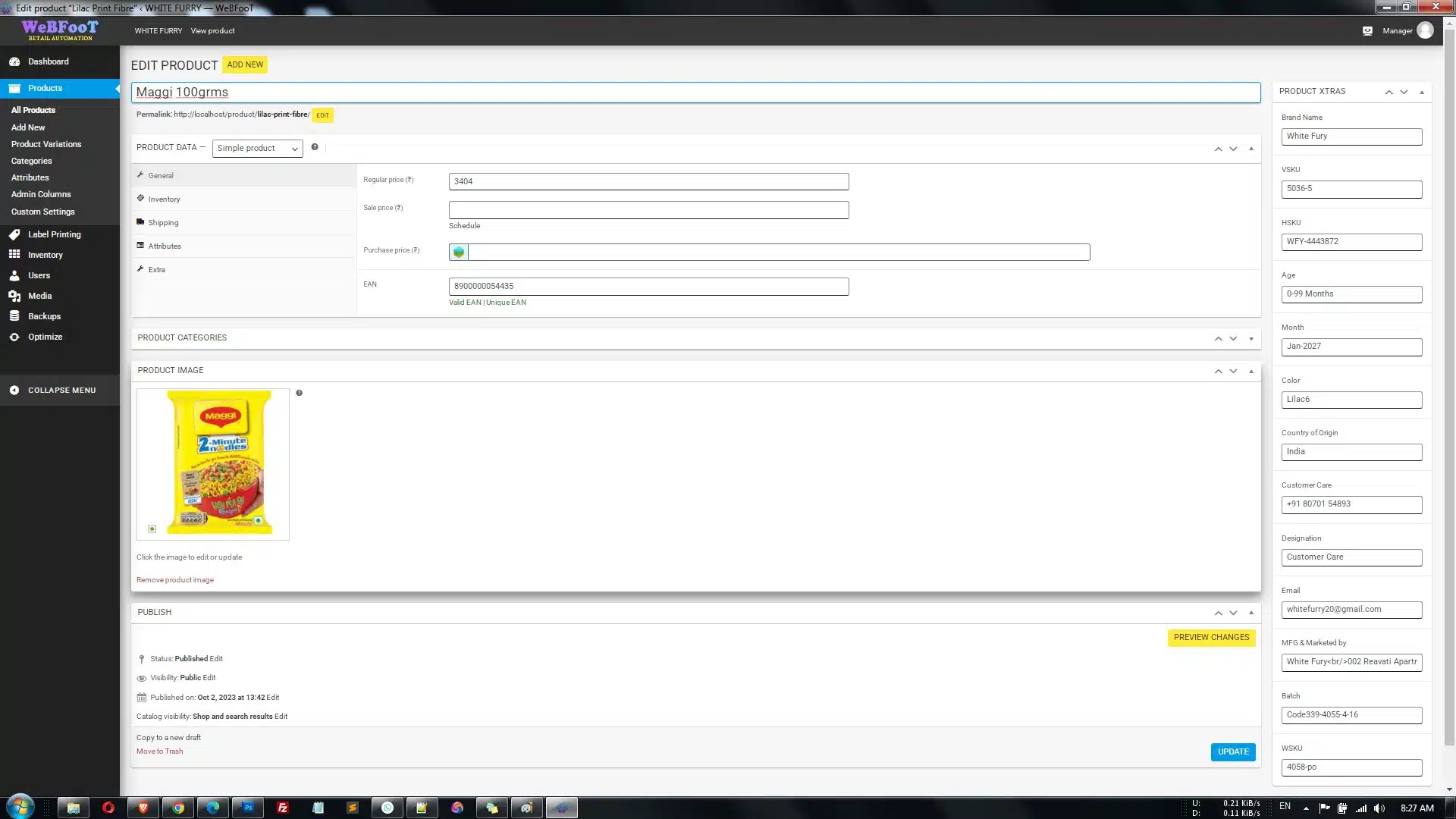
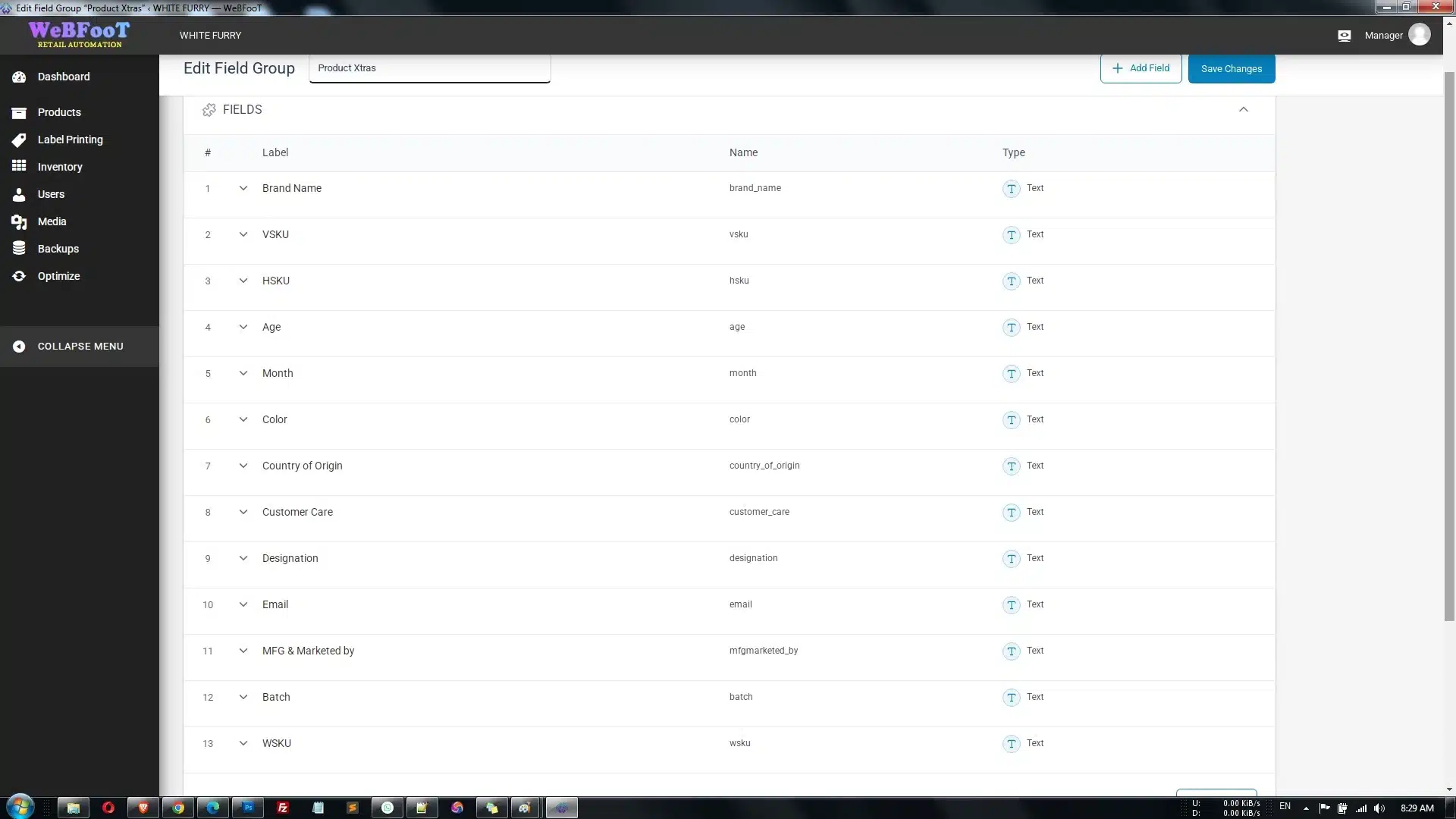
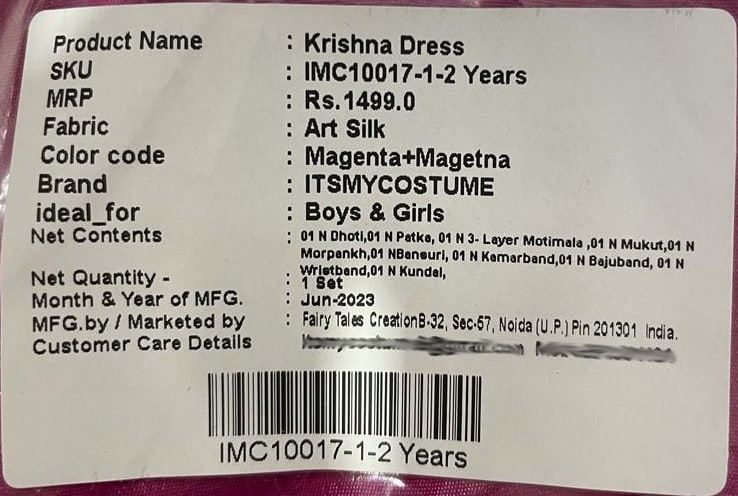
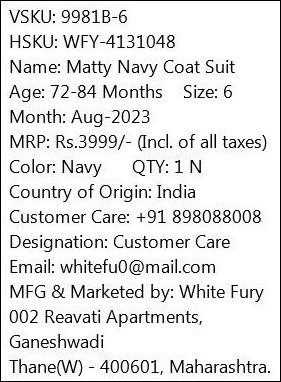
Tailor your labels to your exact specifications. With WeBFooT SOFCODE, you have the freedom to add fields and attributes^ that matter most to your business. Showcase crucial product details like name, price, SKU/UPC/EAN, and more. Your labels, your way^!
Barcode Scanning
Bid farewell to manual data entry. After you’ve printed and affixed the barcode label, retrieving product information becomes a breeze; simply scan it with a barcode scanner or mobile application. Say goodbye to reliance on memory and welcome unparalleled accuracy and speed.
Wide Barcode Support
WeBFooT SOFCODE supports an array of barcode types, including GS1 family, GTIN, UPC-A/E, EAN-13/8, QRCode, CODE128, Data Matrix, and CODE39. You have the liberty to choose the one that aligns with your requirements most effectively. Versatility^ is the key, and WeBFooT SOFCODE delivers it.
Label Flexibility
You can choose from ready-made label templates or make your own unlimited templates and unlimited profiles with WeBFooT SOFCODE. No matter what size or shape you need for your labels, WeBFooT SOFCODE can handle it.
Bulk Barcode Creation
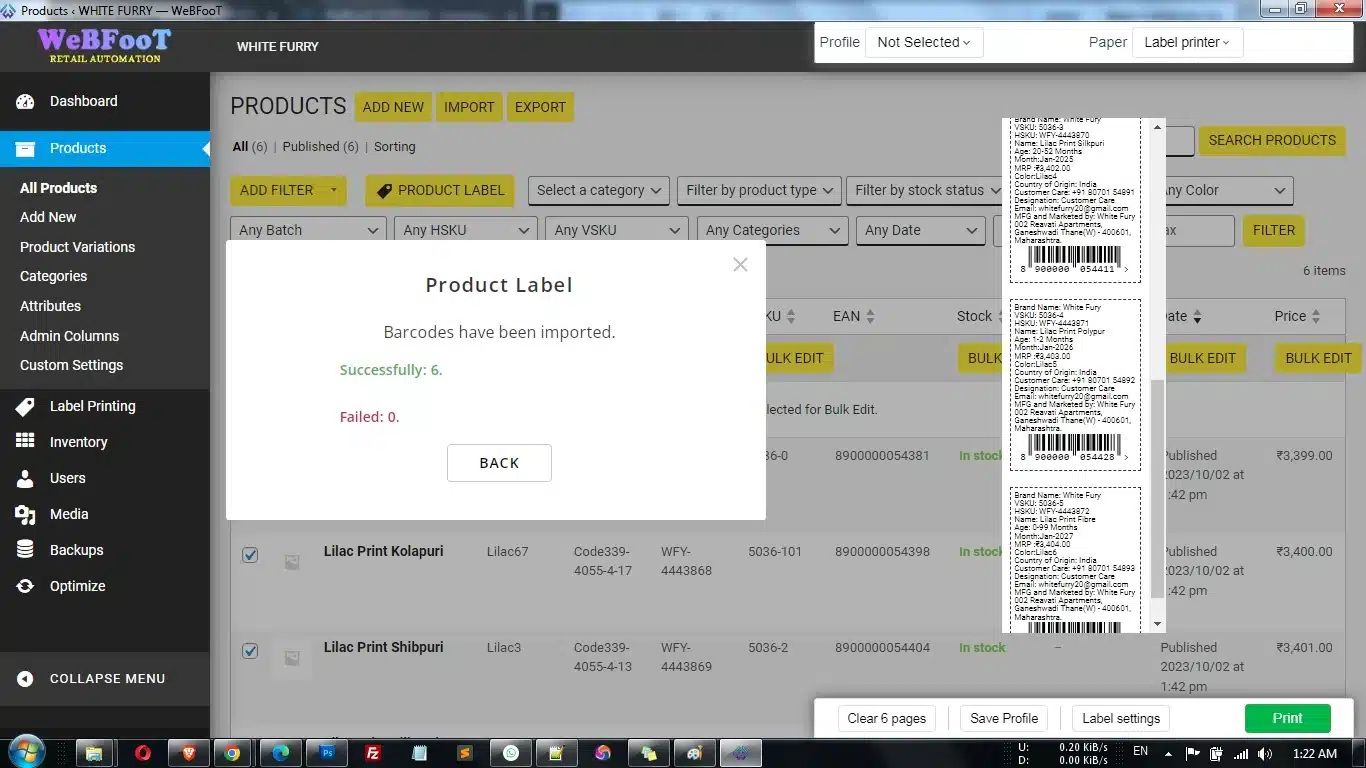
Efficiency takes center stage. Generate barcodes in bulk, aligning with your stock quantity, for efficient inventory management. WeBFooT SOFCODE saves you valuable time while minimizing errors.
Seamless Integration
Our API facilitates effortless integration with third-party plugins and customized solutions, providing your business with the flexibility it demands. Adapt and expand without constraints.
Printer Compatibility
We extend support to a broad spectrum of printers, encompassing Letter printers, A4 printers, P4 printers, and Roll/Thermal printers from an array of brands, including DYMO, Zebra, Brother, and more. Irrespective of your setup, we’ve got you covered.
Custom Label Templates
Embrace the opportunity to showcase your brand with customized label templates. Our clients can fashion personalized labels through our Label Template Editor. Incorporate your store’s logo, text, design elements, and an unlimited array of custom fields and attributes^. For AMC-supported clients, we even offer assistance with label development.
WeBFooT Stock Central with Universal Export and Import
Efficiency meets versatility. Bulk import or export product details and customize them using the Barcode Template Designer to print labels. Streamline your operations and take control of your inventory effortlessly.
Don’t let inventory management bog you down. Upgrade your business operations today with the most versatile and customizable Barcode Generator. Simplify, streamline, and succeed. Try it now and take your business to the next level!
Ready to Revolutionize Your Business?
Are you ready to revolutionize your business? Get started with the Barcode Generator today and experience the transformation for yourself.
FAQs: All About WeBFooT SOFCODE
Does it support my paper/labels?
Absolutely! WeBFooT SOFCODE is incredibly flexible and designed to work seamlessly with a wide range of paper sizes and label types. Whether you prefer measurements in millimeters or inches, WeBFooT SOFCODE has got you covered. Just specify the size of your paper or label, and WeBFooT SOFCODE will be ready to print them with precision and ease.
What printer models does WeBFooT SOFCODE support, and which one would you recommend?
WeBFooT SOFCODE can work with almost any printer. Not only can you use A4/Letter printers, but also roll/thermal printers like DYMO, Zebra, Brother, Arkscan, MFLABEL, ROLLO, BCL, TEROW, and many others.
Before you buy a printer, we recommend TVS, Zebra, and TSCprinters. They are all compatible with WeBFooT SOFCODE and they are not hard to use.
I need to create labels with images and color. How can I achieve this?
Creating labels with images and color is a breeze with WeBFooT SOFCODE. You’ll need to craft a custom label template that you can personalize to your heart’s content. This means you can add images, choose colors, and design your labels exactly the way you want them.
I need labels without barcodes, just product information. How can I do that?
We offer two simple ways to create barcode-free labels:
Basic Template:
In the label settings, set the barcode height to “0%.” This will make the barcode disappear while keeping all your other product information intact.
Fully Customized Template:
If you require a label template that’s completely customized, allowing you to showcase all the necessary product information, you can create a fully customized label template. This way, you have complete control over what appears on your labels.
How can I add attributes or custom fields to my barcode?
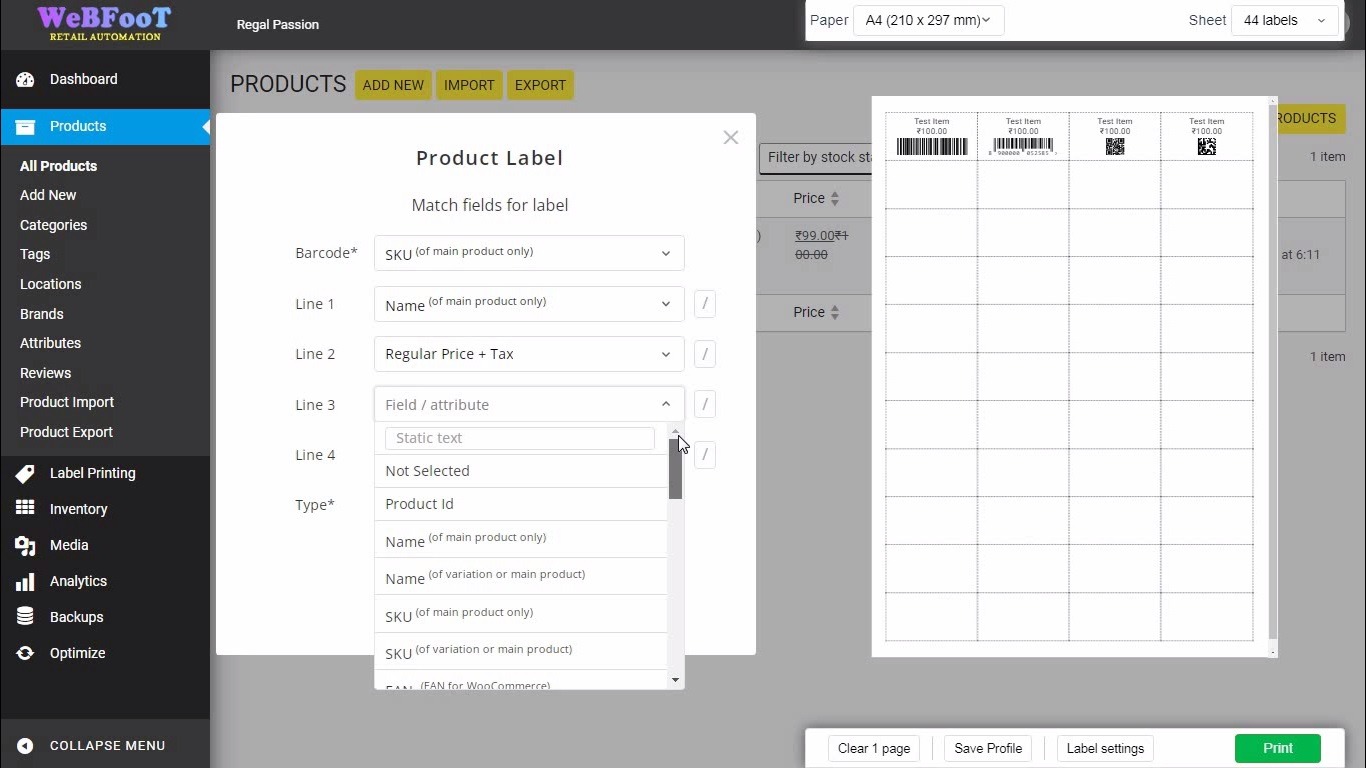
WeBFooT SOFCODE is designed to be flexible when it comes to attributes and custom fields on barcodes. By default, you can display two attributes or custom fields on the barcode, namely “Text1” and “Text2.” You simply need to match these fields in the “Import” popup with the specific attribute or custom field you want to include.
If you require more than two attributes or custom fields on your barcode, you can create a new barcode template. This template can utilize shortcodes like [attr=gcolor] or [cf=_regular_price] to specify where these additional attributes or fields should be placed. The exact value for the shortcode might differ, depending on how the custom field or attribute was named in the SOFCODE or the place where it was created.
How can I check if my A4/Letter printer supports margin-free printing?
Before you start printing your labels, it is important to make sure that your printer can handle margin-free printing. Here are two ways to determine if your A4/Letter printer supports this feature:
Read the Technical Documentation:
You can check the printer’s manual to see if it can print without margins. There, it will tell you if your printer can do that. Also, it will give you some ideas on how to make your printing better with WeBFooT SOFCODE. If you don’t have the manual, you can usually find it online.
Online Research:
If you’re unable to locate the documentation or it’s no longer available, you can try searching online. Many printer specifications and capabilities are documented on the manufacturer’s website or other reputable sources. This can provide you with the information you need to ensure margin-free printing with confidence.
You can use WeBFooT SOFCODE with your printer for perfect label printing if you follow these steps. Next, you can change your labels as you like and as you need. After that, you can discover how WeBFooT SOFCODE improves your work or your life.
What is the difference between the ^PRO and this?
WeBFooT SOFCODE PRO helps your create a single template design with multiple Bar code or QR code in one single design.
Example, a template design with EAN 13 as barcode, item’s name printed and also as a QR code, item’s size in barcode code 128, item’s some-other-detail-value in barcode code 39, item’s location in dotmatrix QR, item’s again some-other-detail-value in barcode code 128 and item’s SKU as barcode code 39.
A quick video demo


P.S. Krishnan –
While I don’t typically write reviews, and I am very difficult person to please, I felt compelled to share my positive experience with this retail billing software solution. I tried many apps, esp the big ones, but they either came with a hefty price tag that didn’t match the value or were loaded with unnecessary features.
These guys have the best solution in place esp if you are running on a tight budget and expect to scale up later. What sets them apart is their flexibility—you can seamlessly add features as your business grows. Now that’s what I was looking for. Nothing like the “take it or leave it” approach common among larger companies. You get good value for what you pay for and to add to that, their support was really great. TAT was less than 24 hours.
All in all, good stuff!